Zenless Zone Zero Version 3.1 Pre-Download: Key Details
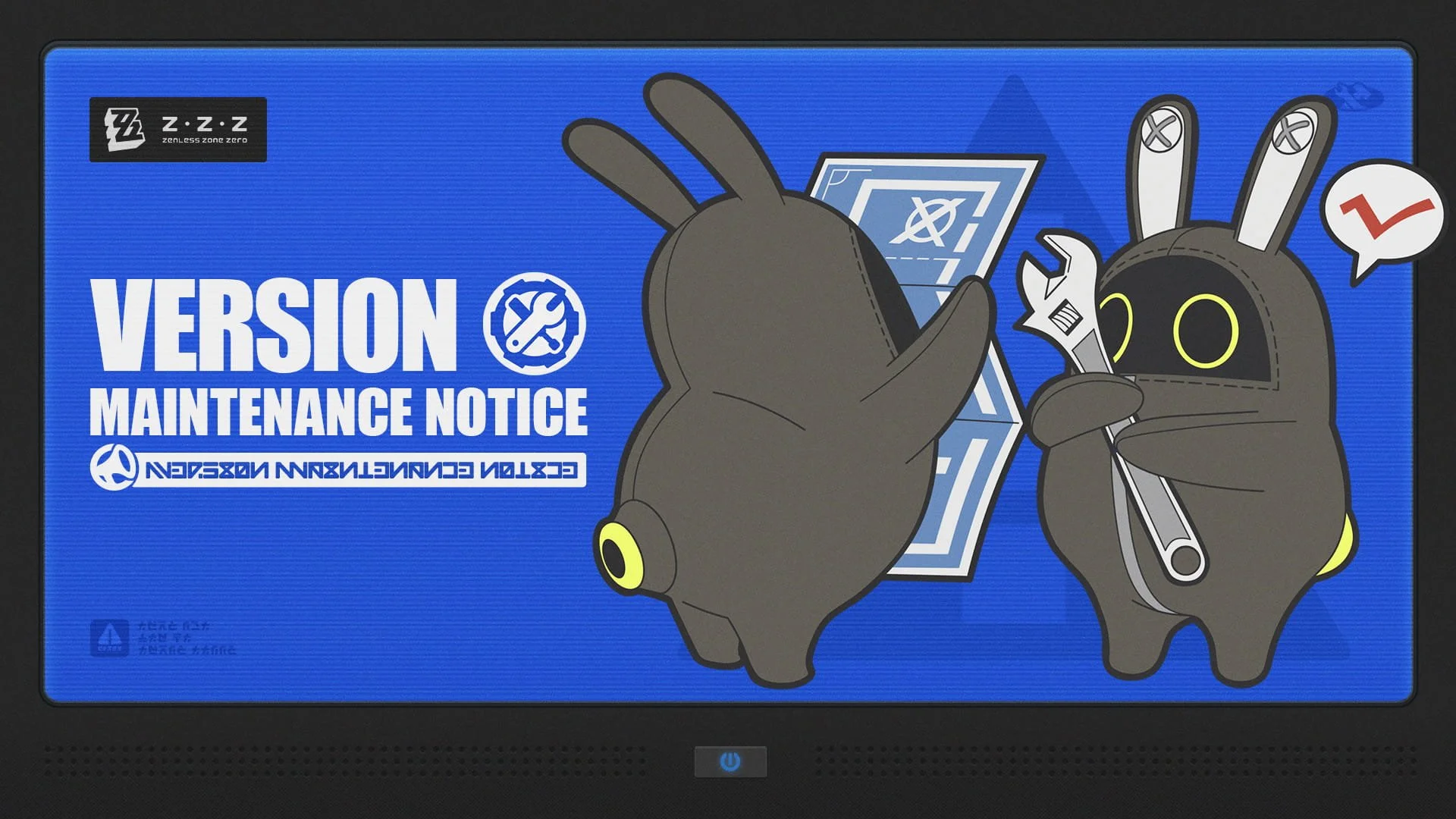
Zenless Zone Zero Version 3.1 “The Long Goodbye” is available for pre-download from July 27 to July 29, 2026. Players can download part of the update before maintenance ends, helping them return to the game sooner after Version 3.1 goes live.
The pre-download period begins on July 27, 2026, at 12:00 (UTC+8) and ends shortly before maintenance starts on July 29, 2026, at 05:50 (UTC+8).
The update requires different storage amounts depending on the platform. PC players need around 11 GB, while console players need more than twice that amount.
| Platform | Approx. Pre-Download Size | Can Play During Pre-Download? |
|---|---|---|
| PC | 11 GB | Yes |
| Android/iOS | 7 GB | No |
| PS5/PS5 Pro | 25 GB | Yes |
| Xbox Series X|S | 26 GB | Yes |
Players should check their available storage before starting the download. The required space can also vary depending on which Voice Pack(s) are installed on the game client.
Because the files are relatively large, HoYoverse recommends using Wi-Fi. This helps avoid unnecessary mobile data usage and reduces the risk of interruptions during the download.
When Does Zenless Zone Zero Version 3.1 Release?
Zenless Zone Zero Version 3.1 maintenance begins on July 29, 2026, at 06:00 (UTC+8). The developers estimate that the maintenance will last approximately five hours.
During maintenance, players will not be able to log into the game. Once the update is complete and the servers are back online, players can enter the game and access the new Version 3.1 content.
The pre-download does not mean Version 3.1 becomes playable immediately. Instead, it lets players install part of the update data beforehand. Players must still wait for server maintenance to finish before they can access the updated version.
Version 3.1 Maintenance Schedule
The key dates are straightforward: pre-download starts on July 27, while the actual Version 3.1 update maintenance begins on July 29.
| Update Detail | Date and Time |
|---|---|
| Pre-download begins | July 27, 2026, 12:00 (UTC+8) |
| Pre-download ends | July 29, 2026, 05:50 (UTC+8) |
| Version 3.1 maintenance begins | July 29, 2026, 06:00 (UTC+8) |
| Estimated maintenance duration | 5 hours |
| Version | 3.1 “The Long Goodbye” |
How to Pre-Download Version 3.1
The pre-download process depends on the platform; PC, mobile, PlayStation, and Xbox use different methods. Follow the steps for your device.
PC Pre-Download
PC players can start the Version 3.1 pre-download through the HoYoPlay Launcher. After opening the launcher, look beside the “Start Game” button for the “Pre-Download” icon.
Click the icon to begin downloading the update files.
One useful advantage for PC players is that the game remains playable while the pre-download runs. This means players don't necessarily need to stop playing while the files download.
Android and iOS Pre-Download
Mobile players must use the in-game “Pre-Download Resources” option to download the Version 3.1 files. Open Zenless Zone Zero and find the “Pre-Download Resources” icon in the bottom-right corner of the screen.
Tap the icon to begin the process.
Unlike PC users, mobile players cannot continue playing Zenless Zone Zero while the pre-download is active. Start the process when you won't need the device for gameplay.
The mobile pre-download is approximately 7 GB, although the actual storage requirement may vary based on installed Voice Pack(s).
PS5 and PS5 Pro Pre-Download
PS5 and PS5 Pro players can receive the pre-download automatically if enough reserved storage is available. After launching Zenless Zone Zero, the console will begin the pre-download after a certain period when the required storage conditions are met.
PlayStation players can keep playing while the pre-download runs.
Since the estimated download is around 25 GB, players should check their available console storage beforehand.
Xbox Series X|S Pre-Download
Xbox Series X|S players can allow the update to begin automatically or start it through the console’s update management menu.
After launching Zenless Zone Zero, the pre-download can begin automatically if sufficient reserved storage is available.
Players can also navigate through:
Xbox Series X|S Home Screen → My Games & Apps → Manage → Updates
From there, they can look for the Zenless Zone Zero update.
Xbox players can keep playing while the pre-download runs.
What Is the Version 3.1 Update Compensation?
Eligible players will receive 300 Polychromes as compensation for Version 3.1 server maintenance. The reward will be delivered through in-game mail after the update is completed.
To qualify, players must reach Inter-Knot Level 4 before July 29, 2026, at 06:00 (UTC+8).
The compensation is not available indefinitely. Players must claim the Polychrome ×300 reward before Version 3.1 ends.
Version 3.1 Compensation Requirements
The compensation conditions are simple: reach the required Inter-Knot Level before maintenance begins, then collect the reward from the in-game mailbox after the update.
Reward: Polychrome ×300
Requirement: Reach Inter-Knot Lv. 4
Eligibility deadline: July 29, 2026, at 06:00 (UTC+8)
Delivery method: In-game mail
Claim deadline: Before the end of Version 3.1
How to Update Zenless Zone Zero After Maintenance
Players can complete the Version 3.1 update using their platform’s standard update process once maintenance begins. The exact method differs between PC, mobile, PlayStation, and Xbox.
PC Update
Close Zenless Zone Zero and restart the HoYoPlay Launcher. Select the update option when it appears.
Android Update
Open the game and follow the instructions shown in the in-game update pop-up.
iOS Update
Open the App Store and select the update option for Zenless Zone Zero.
PS5 and PS5 Pro Update
From the PS5 home screen, highlight Zenless Zone Zero. Hold the Options button on the controller and select Check for Updates.
Xbox Series X|S Update
Open the Xbox dashboard and go to:
My Games & Apps → Manage → Updates
Select Zenless Zone Zero and confirm the update.
What Players Should Know Before Version 3.1
The most important preparation is having enough storage space before July 29. Pre-download sizes range from about 7 GB on mobile to 26 GB on Xbox Series X|S.
Players should also remember that the listed file sizes are estimates. Installed Voice Pack(s) can affect the amount of space needed for the pre-download.
Starting the download early can also reduce waiting time after maintenance. PC, PS5, PS5 Pro, and Xbox players have the added benefit of being able to continue playing during the pre-download.
For players following official Zenless Zone Zero releases, update notices like this also help track the broader release cycle and related merchandise. At Animon Life, we typically see interest around major game updates extend beyond gameplay into official character and event merchandise as well.
Summary: Zenless Zone Zero Version 3.1 Update
Zenless Zone Zero Version 3.1 “The Long Goodbye” begins its update process on July 27, 2026, with pre-download available ahead of maintenance on July 29.
The most important points are:
Version 3.1 is titled “The Long Goodbye.”
Pre-download starts July 27, 2026, at 12:00 (UTC+8).
Pre-download ends July 29, 2026, at 05:50 (UTC+8).
Maintenance begins July 29, 2026, at 06:00 (UTC+8).
Maintenance is expected to last approximately five hours.
Download sizes range from approximately 7 GB to 26 GB, depending on the platform.
PC, PS5, PS5 Pro, and Xbox players can continue playing during the pre-download.
Mobile players cannot play while the pre-download is running.
Eligible players receive 300 Polychromes as server maintenance compensation.
Players must reach Inter-Knot Lv. 4 before the maintenance deadline to qualify.
The compensation arrives through in-game mail.
Players must claim the reward before Version 3.1 ends.
Frequently Asked Questions
When does Zenless Zone Zero Version 3.1 pre-download start?
Version 3.1 pre-download starts on July 27, 2026, at 12:00 (UTC+8). Players can download the update files before the scheduled maintenance on July 29.
How large is the Version 3.1 pre-download?
The estimated download size is 11 GB on PC, 7 GB on Android and iOS, 25 GB on PS5 and PS5 Pro, and 26 GB on Xbox Series X|S. Installed Voice Pack(s) can change the required storage space.
Can I play Zenless Zone Zero during the pre-download?
PC, PS5, PS5 Pro, and Xbox Series X|S players can continue playing during the pre-download. Android and iOS players cannot play the game while the pre-download is underway.
How much compensation does Version 3.1 provide?
Eligible players receive 300 Polychromes through in-game mail. Players must reach Inter-Knot Level 4 before July 29, 2026, at 06:00 (UTC+8), and the reward must be claimed before Version 3.1 ends.
Animon Life continues to follow and update official merchandise releases and related Zenless Zone Zero developments for North American customers.